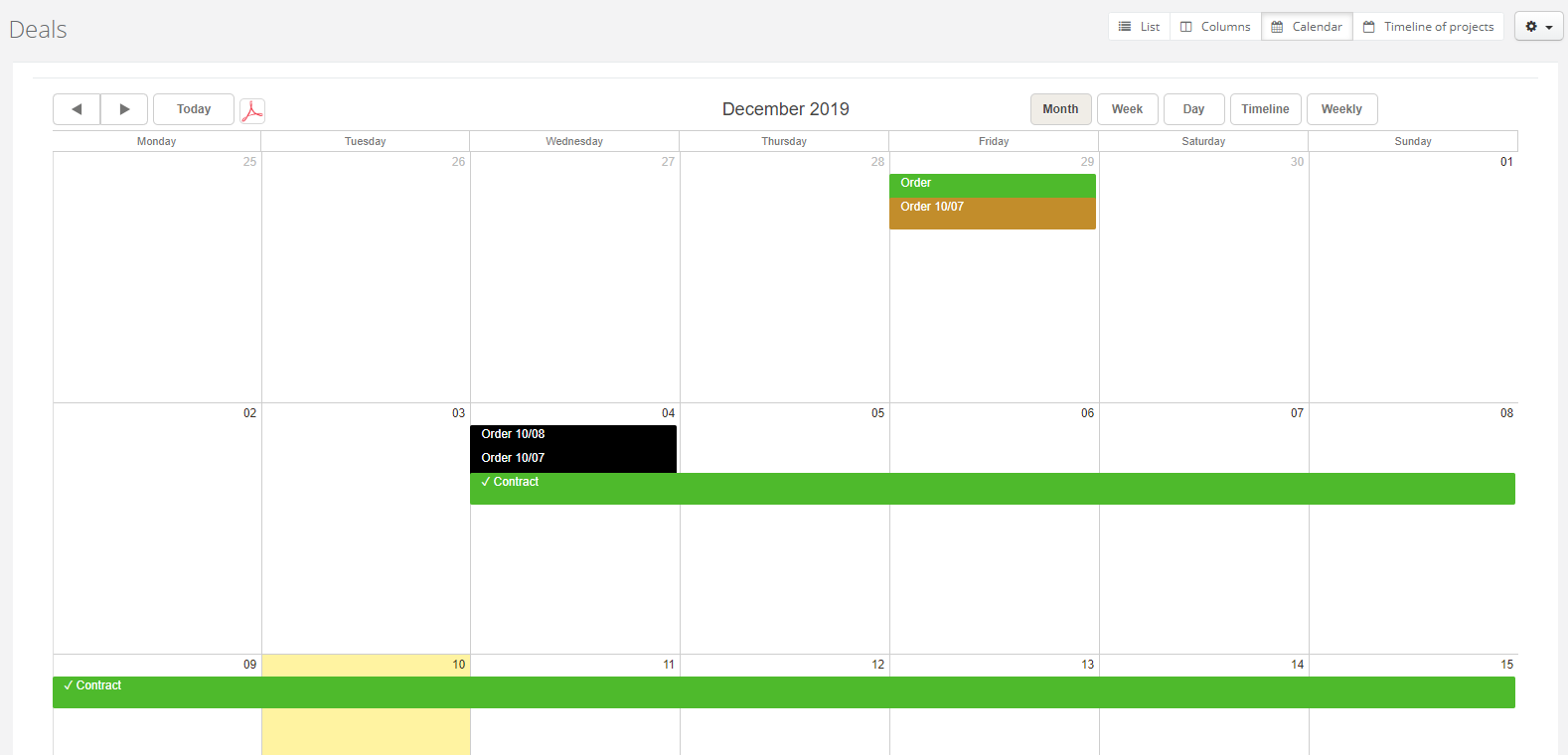
In the calendar you can display deals in daily, weekly and monthly view. With arrows on the left side you'll easily go from one week to another, one month to another etc. You can also download the calendar by clicking in the PDF icon on the left side. Click on a deal if you want to go to its details.
Learn more about deals in the calendar in the article Displaying deals in the calendar.