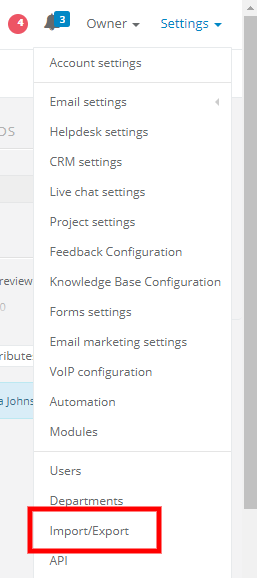
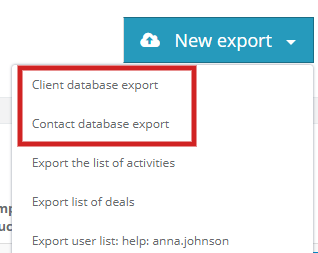
Next, click on the New export. Unfold the list and select Client database export or Contact database export.
The system will gather all contacts/clients and at the end will ask you to download the file.
After downloading, a new excel window will be opened with your clients database.
Note - if you have over 5000 clients in your database, you will receive an email with an attachment in the zip file.
The file will be valid for 2 days.
If you've added your custom fields to the list, they will also be exported.