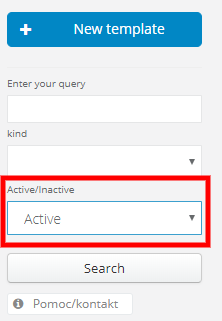
It will help you separate templates you're currently using from the ones that are useless, but you don't want to delete them in case they become handy again in the future
While creating a new email template, by default Active checkbox is marked.
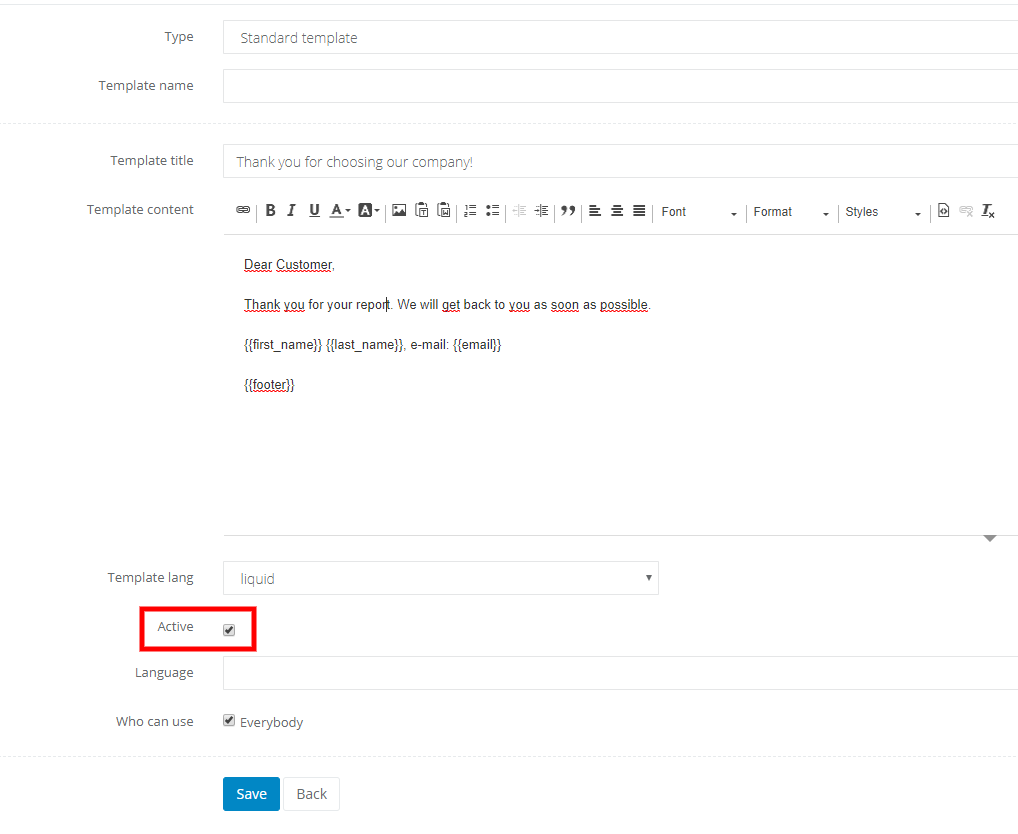
You can always unmark it, by editing a template.
To make managing templates easier, by default we're displaying all active templates.

At any time you can go to inactive templates or display them all. Just click on Active/Inactive by the left side of the list.