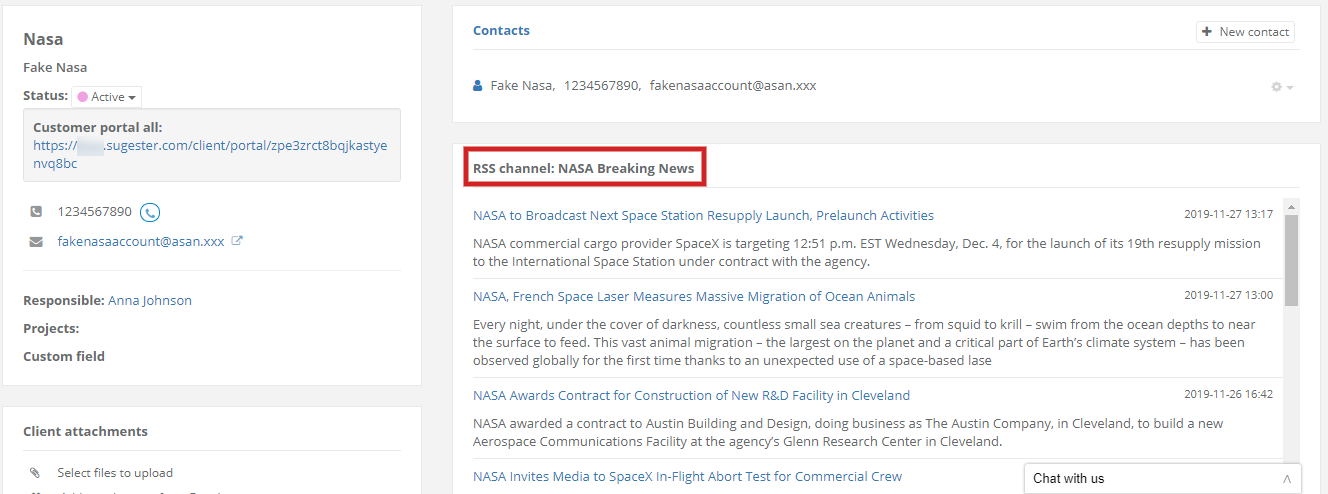
To display compressed info from a client's webstie/blog, first you have to fill in the RSS URL field with link for website's RSS channel. Pasted URL has usually XML extension, eg. http://test.rss.com/rss.xml, but may also have a different form, eg. http://blog.sugester.com/feed/
Copied link should be pasted in RSS URL field.

After saving, every update on client's blog/website will be displayed in client's card.